3D views
From several photos, Cinemura reconstructs an interactive, rotatable 3D model of your property's exterior. 3D views are included in no plan: you pay for them exclusively with separately purchased 3D credits (1 view €9, 5 views €39, 20 views €129) — credits never expire and consume no video seconds.
Last updated:
What a 3D view is
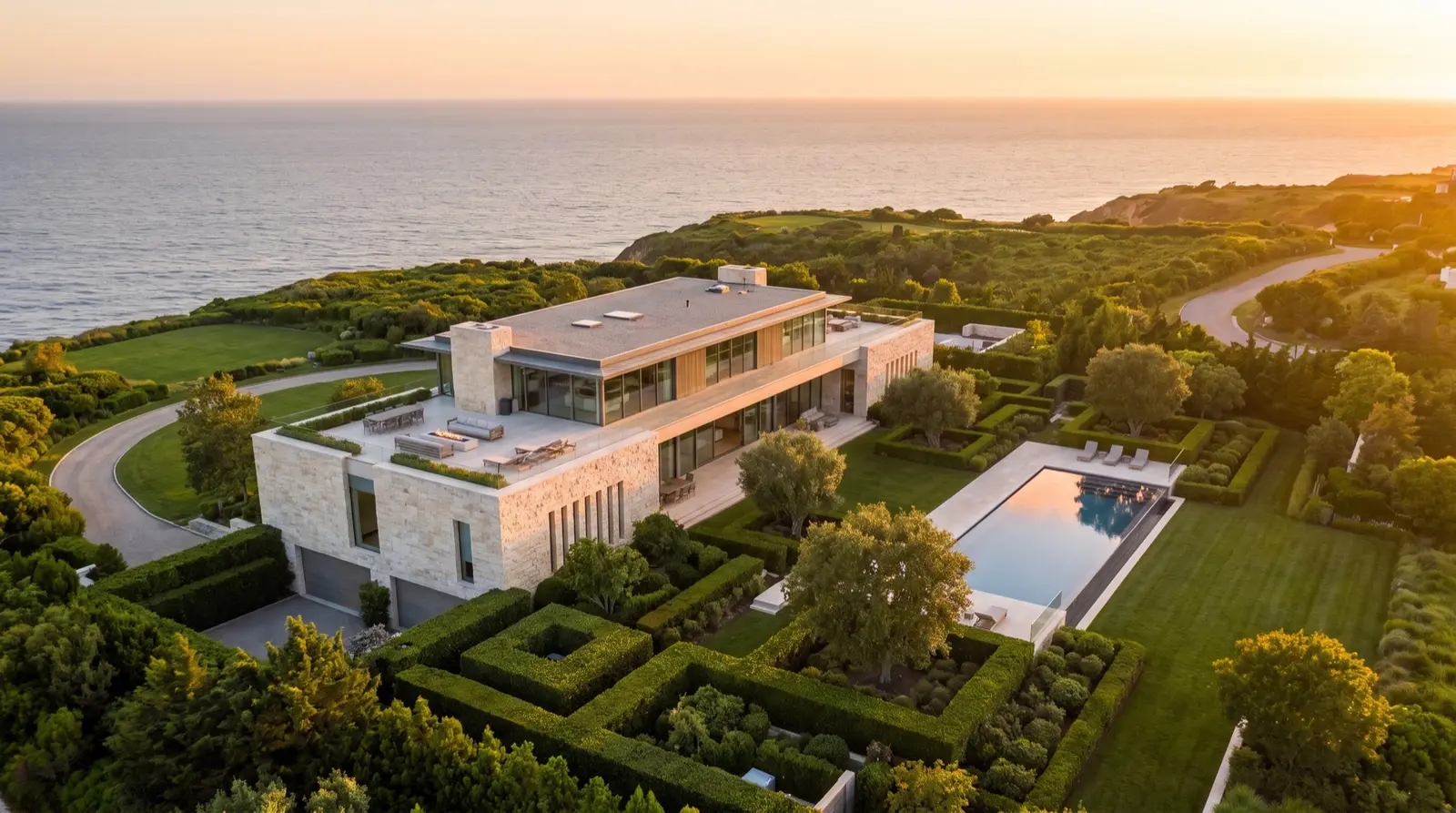
A 3D view is a model of the building's exterior reconstructed from your photos that prospects can rotate freely and inspect from any angle. It complements the video: the video tells the story, the 3D view lets people explore. To set expectations honestly: it is an exterior view — not a walkable 360° interior tour.
3D view
Drag to rotate · double-tap to zoom
AI-generated · EU AI Act Art. 50
The right photos for 3D
For reconstruction, the AI needs viewpoints all around the building. The rules from “Good reference photos” apply here too — with one addition: coverage beats everything.
- Walk around the building and photograph every accessible side — ideally one photo every 30–45 degrees.
- Keep the distance similar; avoid jumping between close-ups and far shots.
- Even, overcast daylight is ideal — harsh shadows “bake” into the model.
- Inaccessible sides (e.g. shared walls) stay plain in the model — that's normal.
What 3D views cost
3D views are deliberately not part of any subscription — not even Enterprise. They are paid with 3D credits: one view costs one credit. Credits are bought in packs as a one-time purchase; they have no term and never expire, even after your subscription ends.
- 1 view
- €9 — one-time purchase, never expires.
- 5 views
- €39 — one-time purchase, never expires.
- 20 views
- €129 — one-time purchase, never expires.
- Billing
- Deducted when the reconstruction starts; if it fails, the credit is refunded automatically. Your seconds budget is untouched.
- Free tier
- No 3D — the free trial covers video only.
When 3D views pay off
- Listings and landing pages: prospects explore the property themselves instead of just scrolling.
- Pre-qualification: whoever has seen the building from all sides arrives better informed at the viewing.
- Properties with distinctive architecture that a single photo cannot convey.