Refining
Refining means re-generating the same video — the chosen template stays the base, and you describe in your own words what should change. Free text exists only here. In budget terms it is a full generation: the chosen number of seconds is deducted again.
Last updated:
What happens when you refine
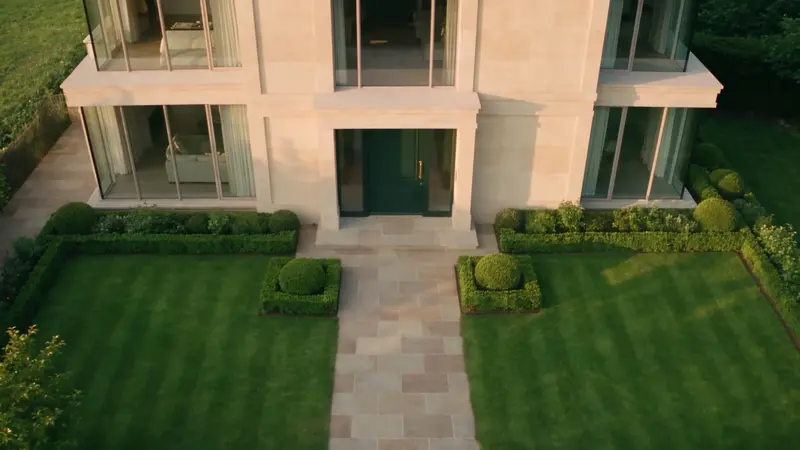
From your library you start a new generation of the same job: same reference media, same template as the base (e.g. “Arrival at the entrance”) — plus your adjustment text in your own words: “What should change?”. The original is kept — you never lose a good take. Both versions sit side by side in your library.
Refine
One change per run · the original is kept · costs 12 s again
What it costs
A refinement costs the full chosen number of seconds from your monthly budget again. Deduction happens at start; if the generation fails technically, the seconds are refunded automatically. Tip: refine with shorter videos and only generate the final length once camera path and mood are right.
Length & format
Length
30 s / max. 30 s
Format
The one-change strategy
Change exactly one aspect per pass. That way you learn which adjustment has which effect — and build a repertoire of phrasings that works for every property.
- Too fast?
- Write “noticeably slower, even movement”.
- Wrong mood?
- Change only the light: “blue hour with warm interior lighting instead of morning light”.
- Wrong framing?
- Specify start and end point: “end closer to the entrance, frontally at the front door”.
- Too busy?
- Explicitly request “no pans, no fast changes of direction”.
Before / after
Make it more beautiful and impressive.
Golden hour with long, soft shadows instead of midday light. Pace unchanged, calm.